Selected and explained by Armand at Greenlytes
Solar Security Lights
A security light has two jobs: notice activity and put useful light where you need to see it. Start with the area you want to protect or navigate, then work backward to detection, coverage, mounting and energy.
- Carefully selected
- Purpose-matched security
- Built for outdoor use
Designed for
Detection and light where they matter
Greenlytes Pick
Featured Product
Our first choice when you want strong motion-activated output, flexible panel placement and straightforward residential security lighting.
Greenlytes Pick
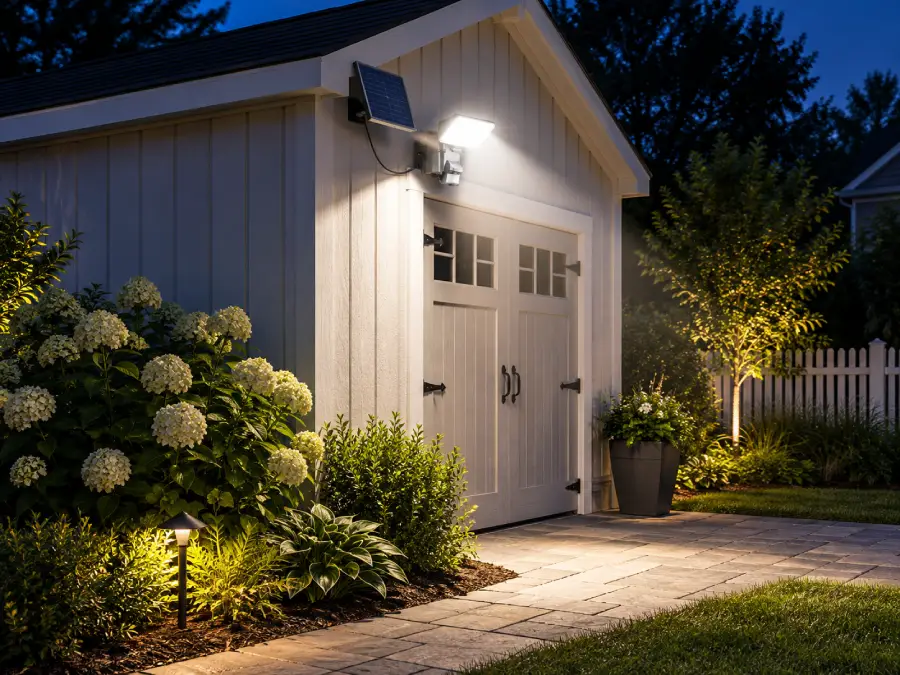
MAXSA 1100-Lumen Solar Motion Security Floodlight
With 1100 lumens, motion activation, a separate solar panel and adjustable controls, this model is a strong all-round choice for driveways, garages, entrances and larger residential security zones.
- Light output
- 1100 lm Security output
- Light color
- 6500–7000 K Daylight white
- Solar panel
- Separate 15-ft cable
Shop the collection
Solar security lights, clearly compared.
Start with the security zone, then compare output, detection, mounting style and solar-panel placement before opening the full product page.
Compact motion security lighting
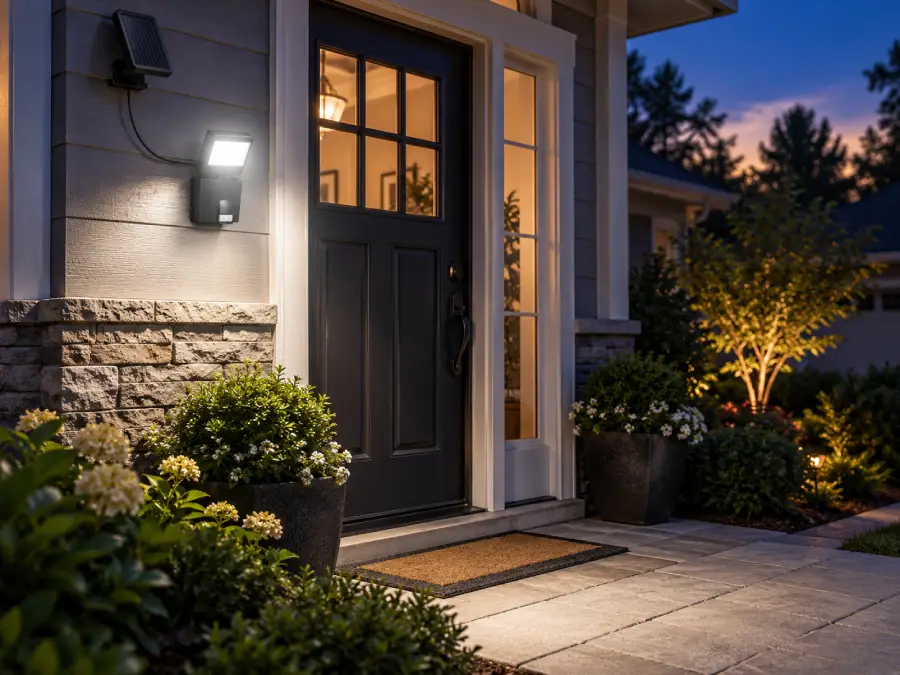
MAXSA 44311 Solar Security Floodlight
A compact 100-lumen spotlight for entrances, walkways, patios, small driveways and other defined areas where flexible panel placement matters.
- Light output
- 100 Lumens
- Detection
- 120° Up to 26 ft
- Light color
- 6500–7000 Kelvin
High-output residential coverage
MAXSA 1100-Lumen Solar Motion Security Floodlight
A 1100-lumen motion floodlight with adjustable controls and a separate 15-ft solar-panel cable for larger entrances, driveways and yards.
- Light output
- 1100 Lumens
- Solar panel
- 15 ft Cable
- Light color
- 6500–7000 Kelvin
Flexible two-direction coverage
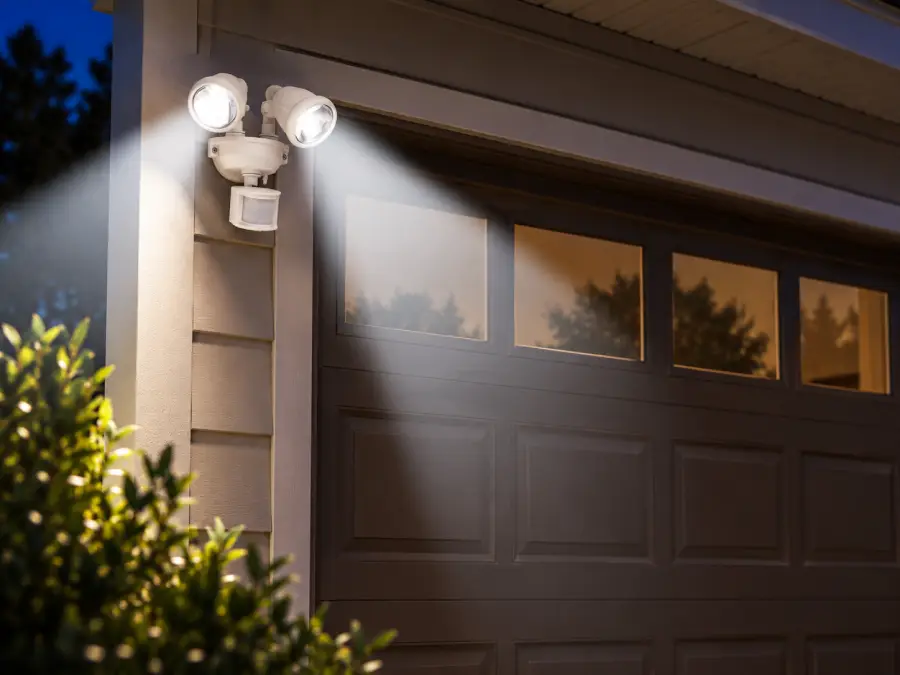
MAXSA Dual-Head Solar Security Light
Two adjustable heads make this 220-lumen model useful around garages, side yards and entrances where one mounting point must cover two directions.
- Light output
- 220 Lumens
- Light heads
- 2 Adjustable
- Light color
- 6500–7000 Kelvin
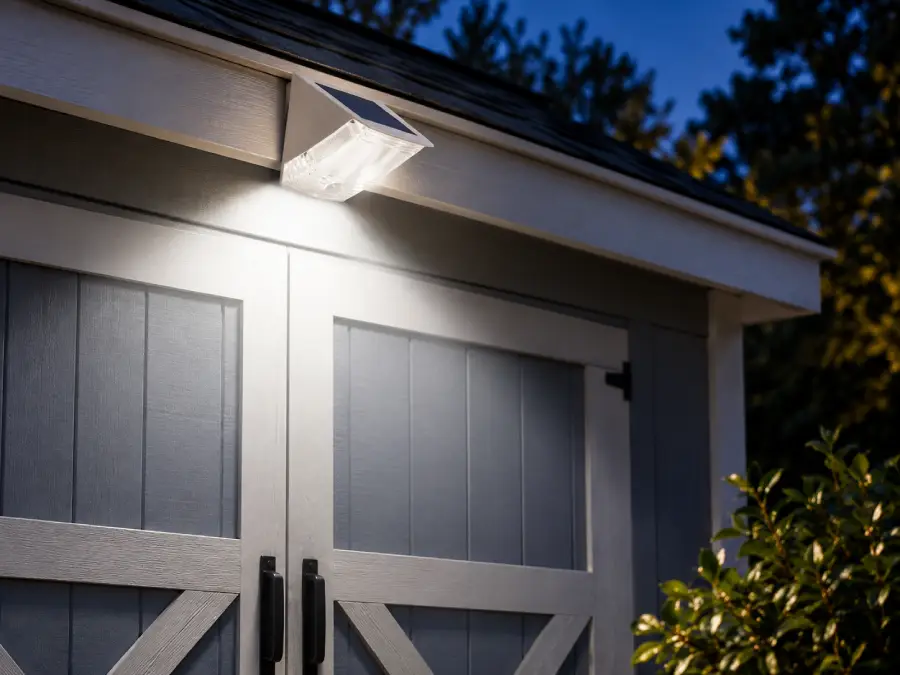
Compact wall-mounted security
MAXSA Solar Motion-Activated Wedge Light
A compact integrated-panel light for doorways, smaller wall areas and other locations where a separate solar panel would be unnecessary.
- Light output
- 90 Lumens
- Solar panel
- Built-in Integrated
- Light color
- 7000 Kelvin
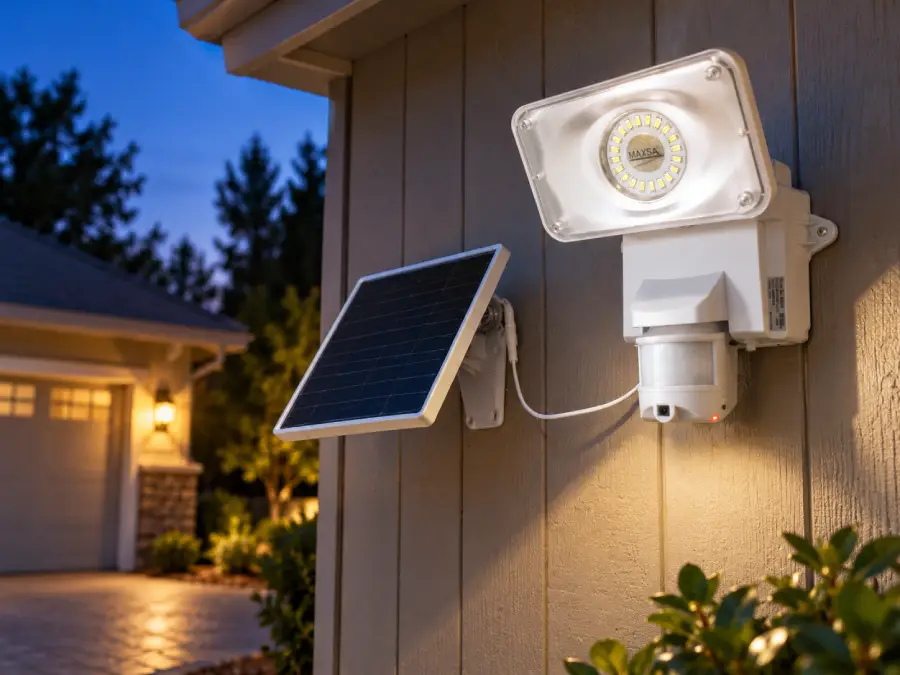
Lighting with local video recording
MAXSA Solar Security Video Camera & Floodlight
Combines an 1100-lumen motion floodlight with local micro-SD video recording for entrances, garages and other monitored outdoor zones.
- Light output
- 1100 Lumens
- Video
- 640p micro-SD
- Detection
- 180° Motion sensor
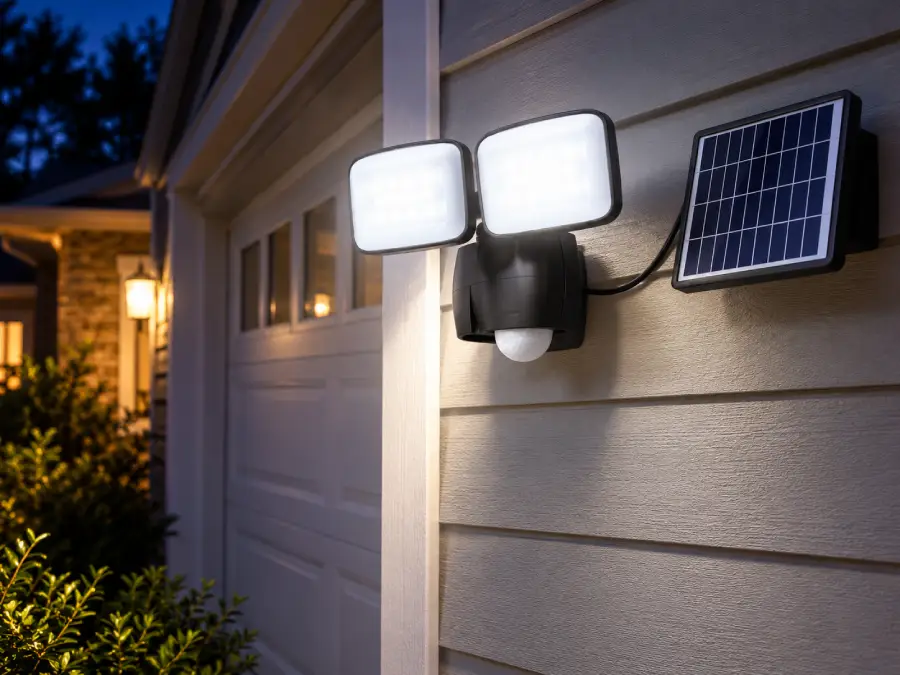
Wider adjustable motion coverage
MAXSA 600-Lumen Dual-Head Solar Security Light
A stronger dual-head option for driveways, porches, decks, sheds and carports where two independently aimed beams improve useful coverage.
- Light output
- 600 Lumens
- Detection
- ≈180° Motion sensor
- Light color
- 5000 Kelvin
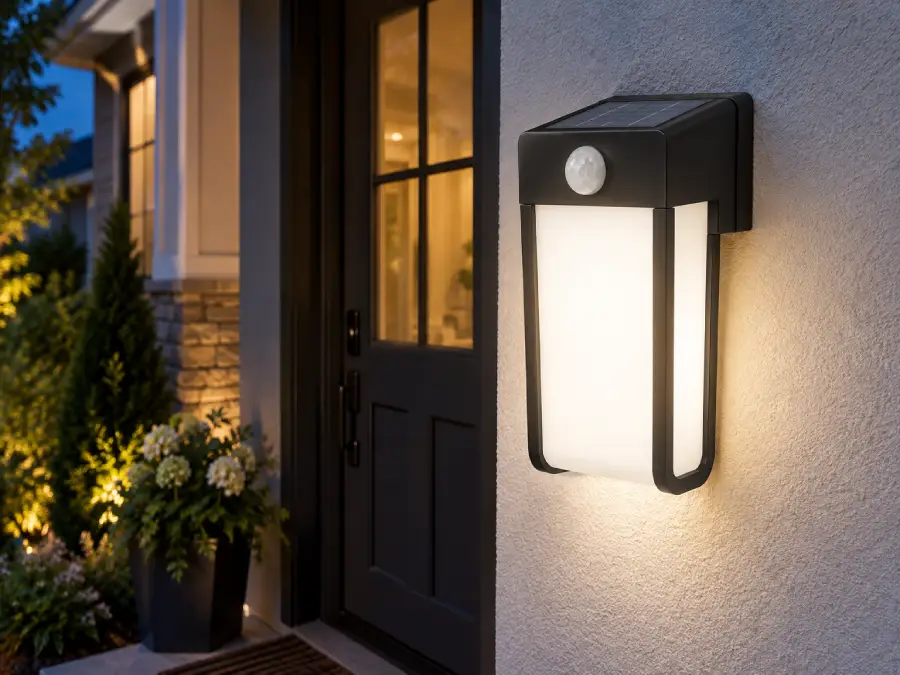
Entry and porch wall lighting
MAXSA Solar Motion-Activated Wall Sconce
A compact wall sconce that provides low-level dusk lighting and rises to 400 lumens when motion is detected near a door, porch or exterior wall.
- Light output
- 40→400 Lumens
- Detection
- 90° Motion sensor
- Light color
- 5000 Kelvin
Get More from Your Security Light
Most disappointing security-light installations are not caused by one bad specification. Sensor position, beam aim, solar exposure and operating mode can all change the result after dark.
Sunlight
Available only where the panel receives useful sun during the day.
Energy
The day’s solar input becomes the night’s available energy.
Detection
The sensor decides when activity should change the lighting state.
Useful Light
Performance depends on whether the beam reaches the area you actually need to see.
Start with stored energy
Charge Before First Use
Give the battery a proper initial charge before judging brightness, sensor performance or overnight runtime.
Protect daily charging
Give the Panel Real Sun
Check the panel’s sky exposure across the day. Rooflines, trees and seasonal shade can reduce charging even when the light itself is mounted in the perfect security position.
Tune the detection zone
Test Motion Where It Matters
Walk through the approach routes you actually care about and check whether the sensor reacts at useful distances without triggering constantly from irrelevant movement.
Use the light efficiently
Aim for Visibility, Not Glare
Adjust the heads so the useful area is visible without sending excessive light into windows, neighboring property or directly into the viewer’s eyes.
- Better charging Keep the panel where charging actually works
- Cleaner detection Trigger on the approaches that actually matter
- Smarter energy use Match the lighting mode to the nightly energy budget
- Useful coverage Put light where people actually need to see
Continue with Greenlytes Lab
Go deeper on the variables behind the recommendation.
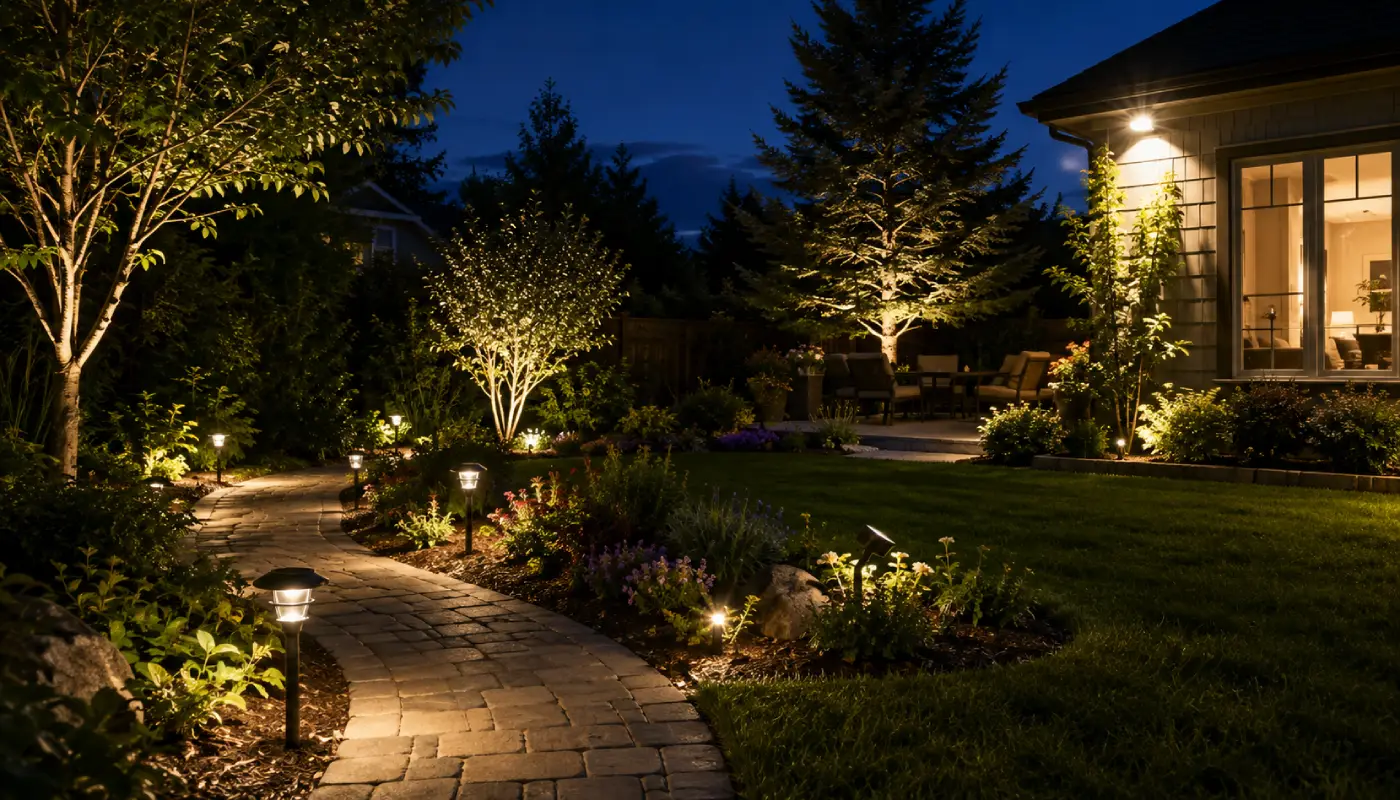
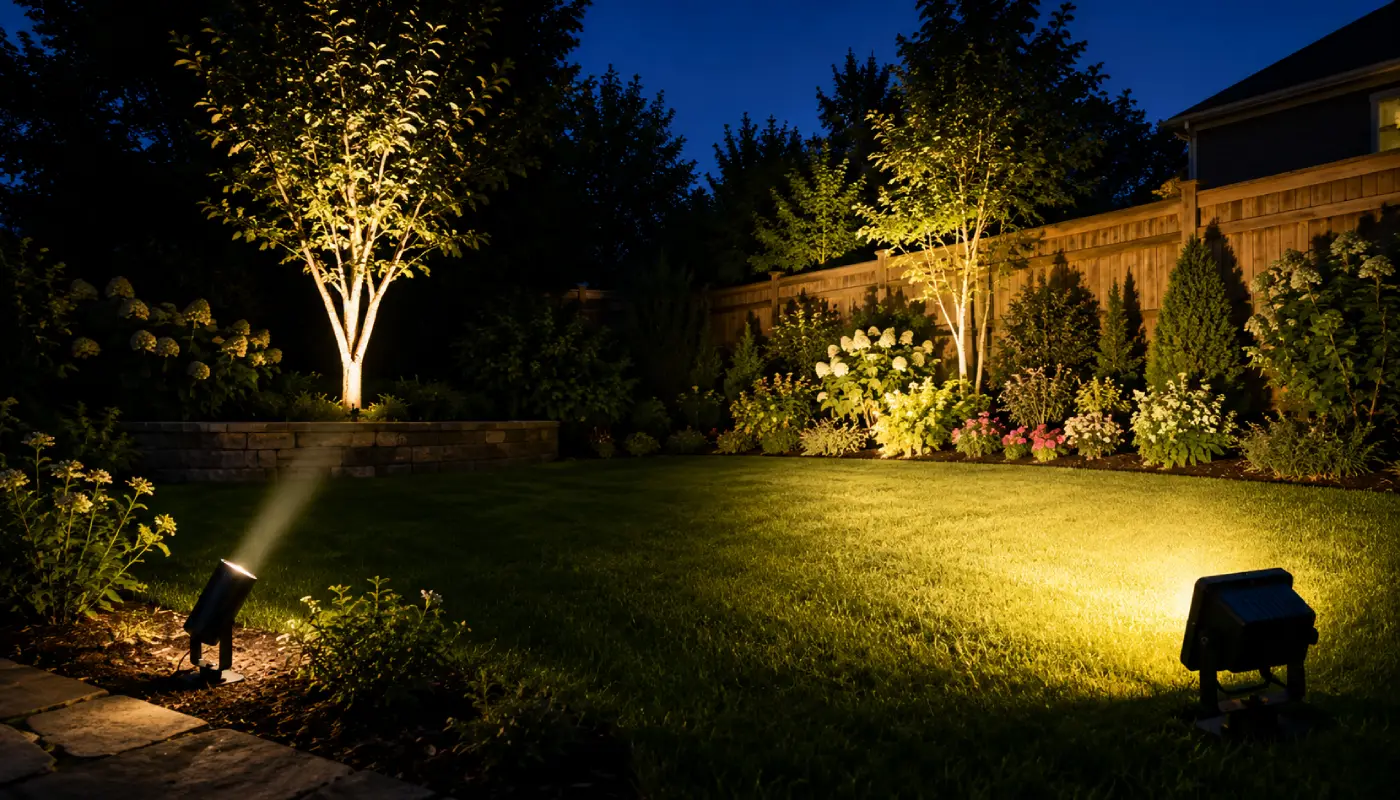
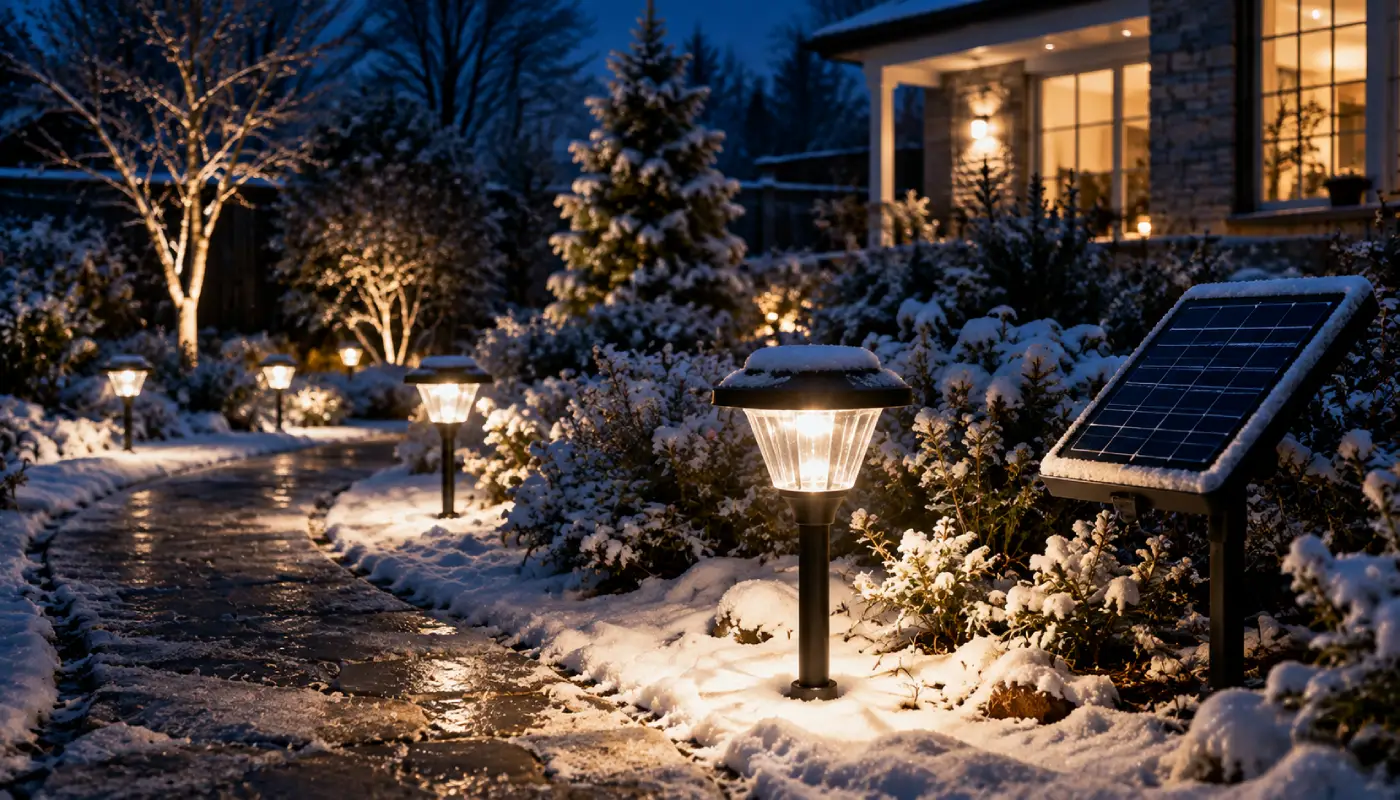
These Greenlytes Lab guides provide the deeper explanation behind the category advice: useful brightness, beam coverage and winter charging. Use them when a short category answer needs more context or supporting detail.
Why Greenlytes
How I decide what belongs on Greenlytes
I base Greenlytes recommendations on documented specifications, supplier information and the practical security-lighting job each model is designed to do. When a claim comes from a manufacturer or supplier, I treat it as sourced product information; Greenlytes analysis is the interpretation of what those specifications mean for the buyer.
Specification review
Specifications are compared for what they change in practice: detection, coverage, mounting, charging, runtime and lighting modes. Headline numbers are not treated as conclusions on their own.
Use-case fit
Each model is matched to a real security zone. A front door, driveway, side yard and commercial perimeter can require very different combinations of detection range, beam coverage and output.
Supplier consistency
Preference goes to products backed by clear specifications and supplier information that can be checked, compared and kept current.
Clear trade-offs
Every useful recommendation needs a boundary: where the product fits, where it becomes less suitable and when another security-lighting setup makes more sense.
Ongoing review
Recommendations are reviewed when specifications change, products are updated or a better-fit option becomes available.
Buyer-first selection
A smaller, clearer selection is more useful than a large catalog of products that solve the same problem without a clear reason to choose them.
Editorial review: Armand, Greenlytes · Updated
“My starting point is simple: detection and illumination are two different jobs. Once you define both zones, mounting, energy and product choice become much easier to judge.”
01 How bright should a solar security light be?
Brightness should be matched to the area you need to see after motion is detected. Lumens describe total output, but mounting height, beam spread and distance determine how much useful light reaches a doorway, driveway, path or yard.
A smaller residential zone may need far less output than a parking or commercial area. Start with the size of the useful zone, then judge whether the fixture distributes enough light across it without creating unnecessary glare.
Greenlytes insight
Security lighting is about useful visibility in the zone, not the largest lumen number.
02 Is motion-activated lighting better than all-night lighting?
They solve different problems. Motion-only modes conserve stored energy and create a strong change in brightness when activity is detected. Low-level all-night modes keep a space visibly oriented and then increase output when motion occurs.
The right mode depends on whether you want occasional security response, continuous orientation light or both. Continuous lighting uses more of the battery’s nightly energy budget.
Greenlytes insight
Lighting mode is part of the energy calculation, not just a convenience setting.
03 Where should a solar security light be installed?
Choose a position where the sensor can see the approach area you care about and where the light can illuminate the zone without excessive glare. Then check whether the solar panel can receive adequate sun from that same location.
Those three requirements can conflict. A separate solar panel is useful when the best position for detection and illumination is shaded but a nearby wall, roof edge or open area has better solar exposure.
Greenlytes insight
Sensor position, light position and solar-panel position are three separate placement problems.
04 Do solar security lights work in winter?
Yes, but winter reduces the charging margin. Days are shorter while nights are longer, so there is less solar input available to support a longer period of nighttime operation.
Panel exposure, seasonal shade, battery capacity, operating mode and the number of motion activations all matter. If runtime drops, check the charging conditions before assuming the light itself is failing.
Greenlytes insight
Winter performance is often an energy-input problem before it becomes a lighting problem.
05 How far can a solar security light detect motion?
There is no single distance that applies to every model. Detection range depends on the sensor design, mounting height, angle and site conditions, and manufacturers usually specify a nominal detection distance or area.
More importantly, detection distance and illumination distance are not the same thing. A sensor can trigger before the person reaches the area the light illuminates well, or the LEDs can cover farther than the motion sensor responds.
Greenlytes insight
Never use motion range as a substitute for useful light coverage.
06 Can a solar security light stay on all night?
Some models offer dusk-to-dawn or low-level all-night modes, while others are designed mainly for motion activation. The difference matters because continuous lighting consumes energy for many hours instead of only during detected activity.
If all-night lighting is important, compare battery capacity, panel size, expected runtime and local charging conditions together. A large battery does not help indefinitely if the panel cannot replace the energy used each night.
Greenlytes insight
All-night security lighting is an energy-budget decision before it is a brightness decision.
07 How do I choose the right solar security light?
Start with the security zone: what area do you need to see, and where should activity be detected? Those answers narrow the required sensor coverage, beam spread and mounting position.
Then solve the solar side: where can the panel receive useful sun, which lighting mode fits the job and how much nightly energy does that mode consume? Only after that should you compare the remaining products.
Greenlytes insight
Zone, detection, coverage, placement, energy, then product. That order avoids a lot of bad comparisons.
Make a confident choice
Ready to choose the light that fits your security zone?
Go back to the products with the security zone, detection area, coverage, mounting position and energy needs in mind. If one of those still feels unclear, Greenlytes Lab explains the underlying variable in more detail.